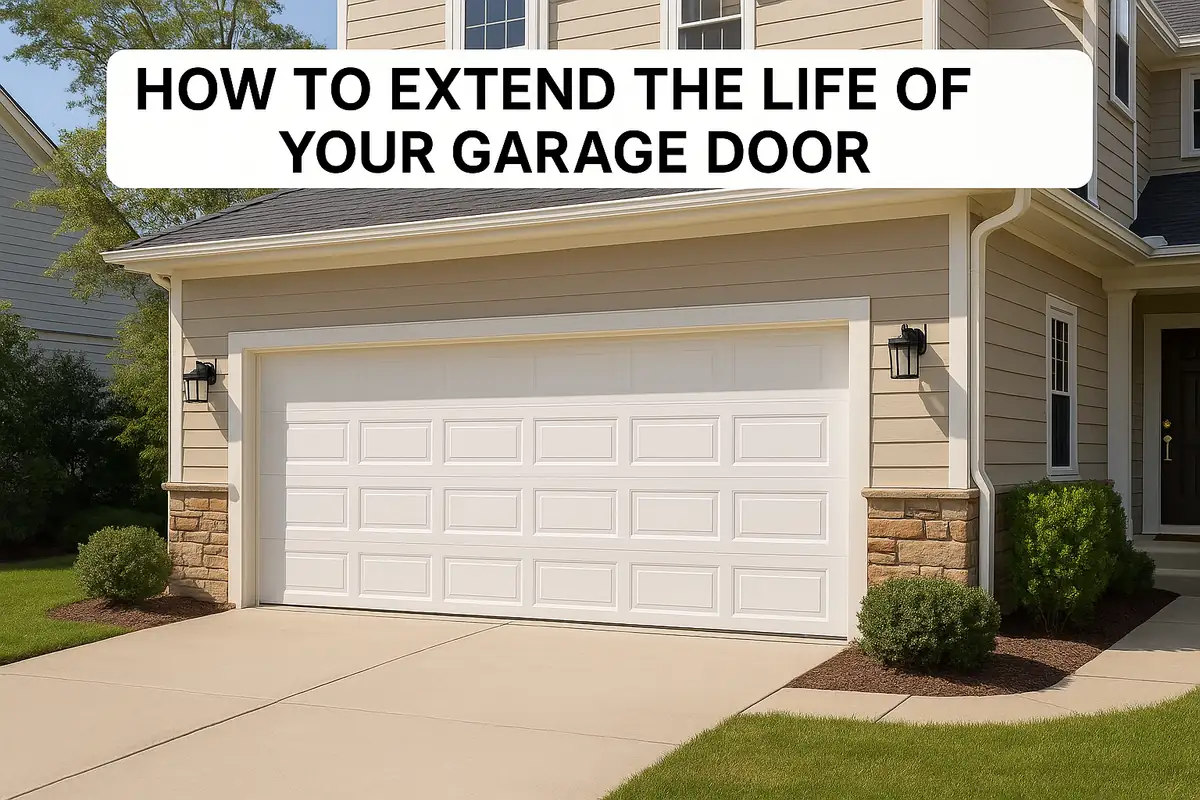
How to Program Your Garage Door Remote: A Complete Guide for Princeton, NJ Residents

Introduction
Your garage door remote is an essential tool, offering convenience and security to your home. However, programming it can sometimes feel daunting. Whether you're a new homeowner in Princeton, NJ, who just installed a garage door system or simply need to reset your existing remote, we’ve got you covered. In this guide, we’ll walk you through the entire process to ensure your garage door operates smoothly and securely.
Why You May Need to Program Your Garage Door Remote
Programming your garage door remote is crucial for several reasons:
- New Remote: If you’ve purchased a new remote, you’ll need to program it to communicate with your garage door opener.
- Lost or Stolen Remote: If your garage door remote has been lost or stolen, reprogramming can enhance your home’s security.
- Changing Batteries: Sometimes, changing the batteries may require reprogramming the remote.
- New Garage Door Opener: If you’ve recently installed a new garage door opener, you’ll need to sync your remote to it.
Step-by-Step Guide to Programming Your Garage Door Remote
Follow these steps to successfully program your garage door remote:
Step 1: Gather Your Tools
Before you start, ensure you have:
- Your garage door remote
- Your garage door opener manual (if available)
- A sturdy ladder (if your opener is high up)
Step 2: Locate the Learn Button
The learn button is typically found on the back or side of the garage door opener unit. It’s often a small colored button. Identify this button before proceeding.
Step 3: Prepare Your Remote
Remove the cover from your garage door remote to expose the programming button. This button may be labeled as “Program,” “Learn,” or “Smart.”
Step 4: Program the Remote
Here’s how to program your remote:
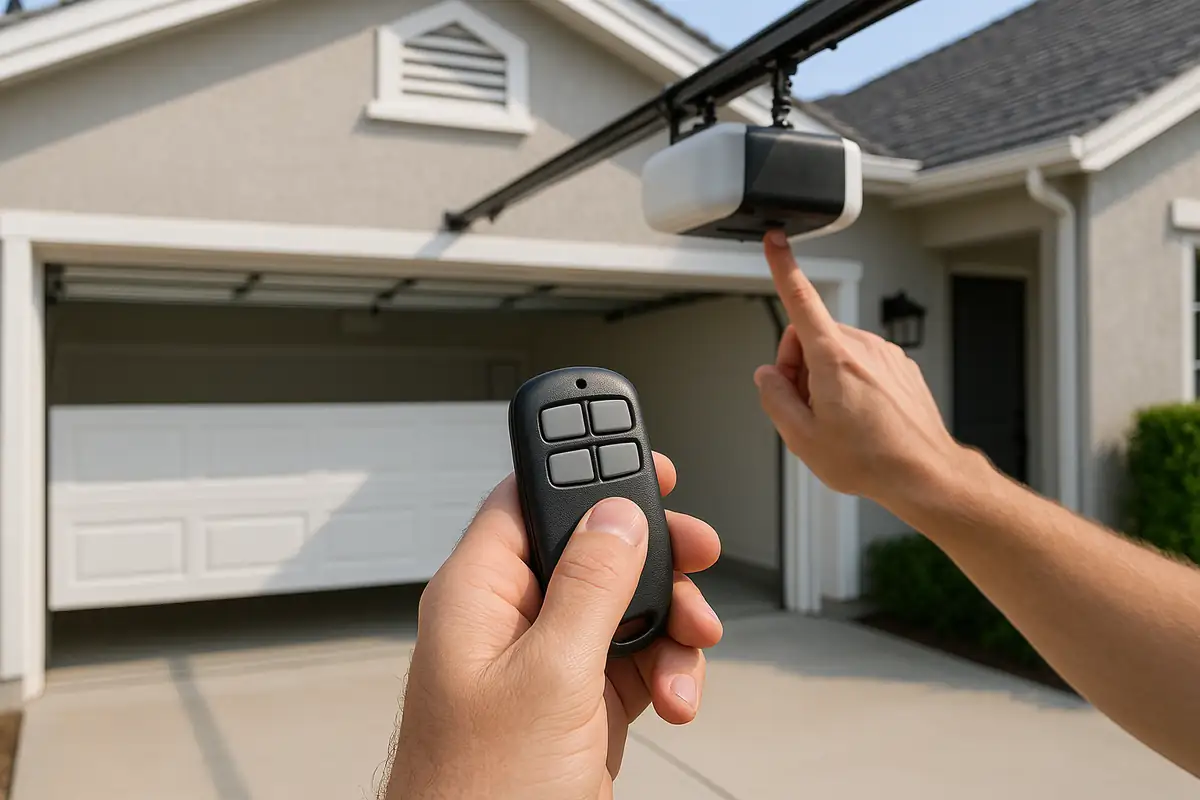
- Press and hold the learn button on your garage door opener until the indicator light turns on (usually about 6 seconds).
- While the light is still on, press and hold the button on your garage door remote that you want to program.
- Release the remote button once the garage door opener lights flash or you hear a click sound.
- Test your remote by pressing the programmed button to see if the garage door opens or closes.
Step 5: Repeat for Additional Remotes
If you have multiple remotes, repeat steps 3 and 4 for each one you wish to program.
Troubleshooting Common Programming Issues
If your remote doesn’t work after programming, consider the following troubleshooting tips:
- Check the Batteries: Ensure the batteries in the remote are fresh and installed correctly.
- Distance Matters: Ensure you are within range of the garage door opener during programming.
- Learn Button Issues: Try resetting the garage door opener by disconnecting it from power for a few minutes.
- Consult the Manual: If issues persist, refer to your garage door opener’s manual for specific instructions.
Statistics on Garage Door Systems
Did you know that:
- About 70% of American homes have a garage, making garage doors an essential feature for households.
- Approximately 1 in 15 homes has an automatic garage door opener.
- Regular maintenance and timely repairs can extend the lifespan of your garage door system by up to 30%.
When to Call a Professional for Garage Door Remote Issues
While many programming issues can be resolved at home, there are times when a professional’s expertise is necessary:
- If you’ve tried programming the remote multiple times without success.
- When there are issues with the garage door opener itself.
- If you notice strange noises or malfunctioning components in your garage door system.
Conclusion
Programming your garage door remote doesn't have to be a frustrating experience. With this step-by-step guide, Princeton, NJ residents can confidently program their remotes for hassle-free access to their garages. Remember, if you encounter persistent issues or need professional assistance, don't hesitate to contact Popular Garage Doors Repair. Our team is ready to help you with any garage door needs, ensuring your home remains secure and functional.
Explore More Resources
Related Articles
Service Areas
We proudly serve Princeton, Penns Neck, Cedar Grove, Coxs Corner, Kingston and more areas.
Our Services
Professional garage door repair, spring repair, opener installation and more. View all services →

Choosing the Right Garage Door for Your Climate: A Guide from Popular Garage Doors Repair
The Benefits of Insulated Garage Doors for Your Princeton, NJ Home