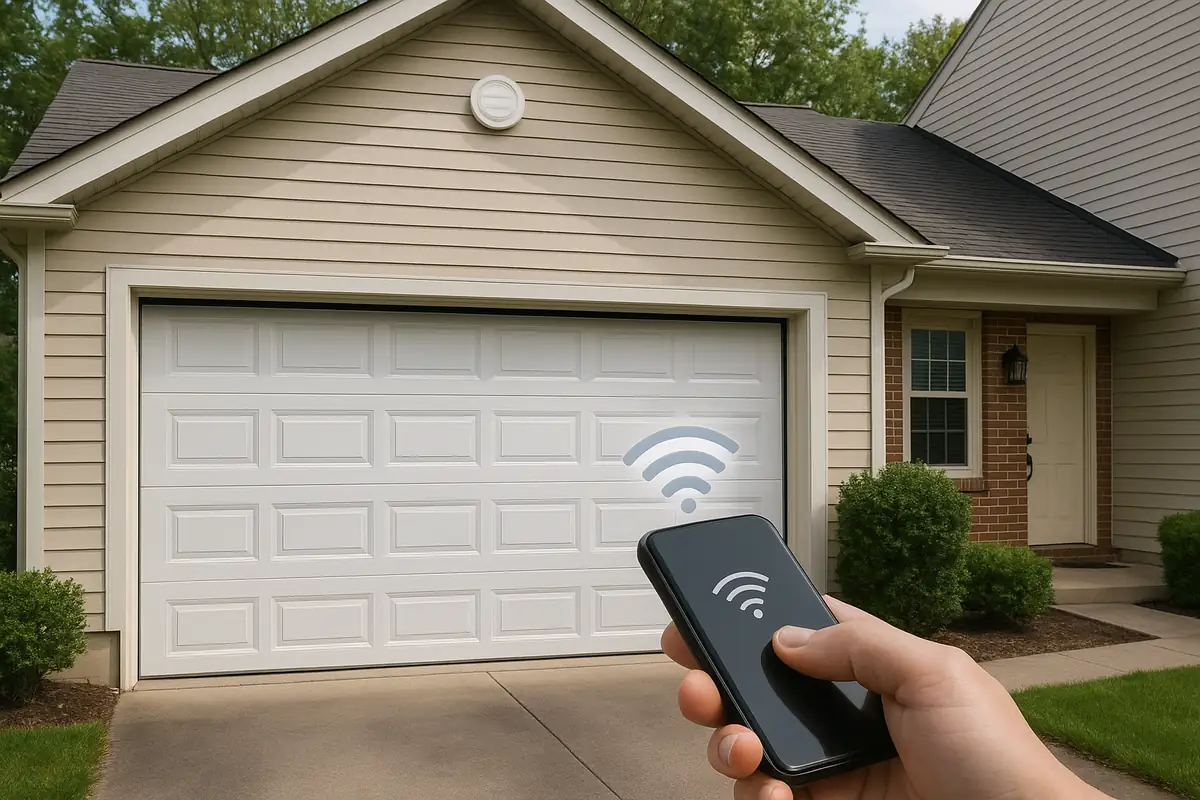
How to Program Your Garage Door Remote: A Comprehensive Guide for Princeton, NJ Residents

Introduction
Imagine returning home after a long day, only to struggle with opening your garage door because the remote isn’t working. Frustrating, right? Programming your garage door remote is a simple task that can save you time and hassle. In this guide, tailored for the residents of Princeton, NJ, we’ll go over everything you need to know to successfully program your garage door remote.
Why You Might Need to Program Your Garage Door Remote
Over time, you may find that your garage door remote becomes unresponsive or requires reprogramming. Here are some common reasons:
- New Remote: If you recently purchased a new remote or garage door opener.
- Battery Change: A battery change can sometimes reset the programming.
- Security Upgrades: Changes in security codes to prevent unauthorized access.
- Malfunction: If the remote has been dropped or damaged.
Understanding Your Garage Door System
Before diving into the programming process, it's essential to understand the key components of your garage door system:
The Garage Door Opener
The opener is the device that controls the movement of your garage door. Most modern openers utilize either a chain drive, screw drive, or belt drive system.
Types of Remotes
There are typically two types of garage door remotes:
- Handheld Remotes: These are small, portable devices you carry with you.
- Wall-Mounted Keypads: Installed on the wall, allowing entry through a numeric code.
Step-by-Step Guide to Programming Your Garage Door Remote
Now, let’s get to the fun part—programming your remote. Follow these steps carefully:
Step 1: Gather Necessary Tools
You will need:
- Your garage door remote
- Your garage door opener’s manual (if available)
- Step stool or ladder (if required)
Step 2: Locate the Learn Button
On your garage door opener, find the Learn Button. This is often located on the back or side of the unit. It may be covered by a plastic cap. Press and hold this button until you see the indicator light turn on (typically takes about 10 seconds).
Step 3: Program Your Remote
Once the Learn Button light is illuminated, follow these steps:
- Press and hold the button on your remote that you want to program.
- Release the button when the garage door opener's light blinks, indicating successful programming.
- Test the remote to ensure it operates the garage door.
Step 4: Troubleshooting
If your remote isn’t working, try these troubleshooting steps:
- Ensure the batteries in the remote are fresh.
- Check the distance from the remote to the garage door opener.
- Repeat the programming steps.
Common Issues and Solutions
Remote Not Responding
If your remote isn’t responding after programming:
- Check if the garage door opener is plugged in.
- Make sure the antenna on the garage door opener is not damaged.
- Ensure there are no obstructions blocking the signal between the remote and the opener.
Frequent Loss of Programming
If your remote loses its programming often, it may be time for a battery replacement or consider upgrading to a more reliable model.
Statistics on Garage Doors and Security
Did you know that:
- Approximately 1 in 15 homes in the United States have a garage door installed.
- Over 70% of home break-ins occur through the garage door.
This highlights the importance of keeping your garage door system updated and secure.
Conclusion: Stay Connected with Your Garage Door
Programming your garage door remote is not just about convenience; it’s also about enhancing your home’s security. With a properly functioning remote, you can enter and exit your garage hassle-free. If you encounter any difficulties or need assistance, don’t hesitate to contact the experts at Popular Garage Doors Repair in Princeton, NJ. Our team is ready to help you ensure your garage door works smoothly and securely.
Explore More Resources
Related Articles
Service Areas
We proudly serve Princeton, Penns Neck, Cedar Grove, Coxs Corner, Kingston and more areas.
Our Services
Professional garage door repair, spring repair, opener installation and more. View all services →
Garage Door Security: Protecting Your Home with Popular Garage Doors Repair in Princeton, NJ
The Benefits of Insulated Garage Doors: A Smart Choice for Princeton, NJ Homeowners